/\_/\ ≋≋≋≋≋≋≋≋≋≋≋≋≋≋≋≋≋≋≋≋≋≋≋≋≋≋≋≋≋≋≋≋≋≋≋≋≋≋≋ ( ^.^ ) ██████████████████████████████████████ > ^ < ██ ♥ ★ ♥ ★ ♥ ★ ♥ ★ ♥ ★ ♥ ★ ♥ ★ ♥ ██ /| |\ ██████████████████████████████████████ (_| |_) ≋≋≋≋≋≋≋≋≋≋≋≋≋≋≋≋≋≋≋≋≋≋≋≋≋≋≋≋≋≋≋≋≋≋≋≋≋≋≋ by k y u n a 0 3 1 2 Find File [f] Recent Files [r] Find Word [w] Theme [t] My Config [c] Update [u] [lazy.nvim ] 6/41 plugins · 30ms [mason ] 69 tools armed [treesitter] 79 parsers compiled [nyanvim ] ready. > ^ <
Neovim, ready in thirty milliseconds.
NyanVim is a complete Neovim setup you can read in one sitting: about 1,200 lines of Lua, one plugin per file. Open it and you have a file tree, fuzzy finder, language servers, completion, Git, a terminal and Claude in a split. Every plugin loads only when you use it, so the dashboard is up before your hand leaves the Enter key.
curl -fsSL https://raw.githubusercontent.com/kyuna0312/NyanVim/main/install.sh | bash -s -- --tryNVIM_APPNAME=nyanvim nvimPlugins install themselves on the first launch. Like it? Run the same line without --try to make it your default; your old config is backed up. Requirements: Neovim 0.11+, git, node, ripgrep, fd, a C compiler and a Nerd Font.
What it looks like
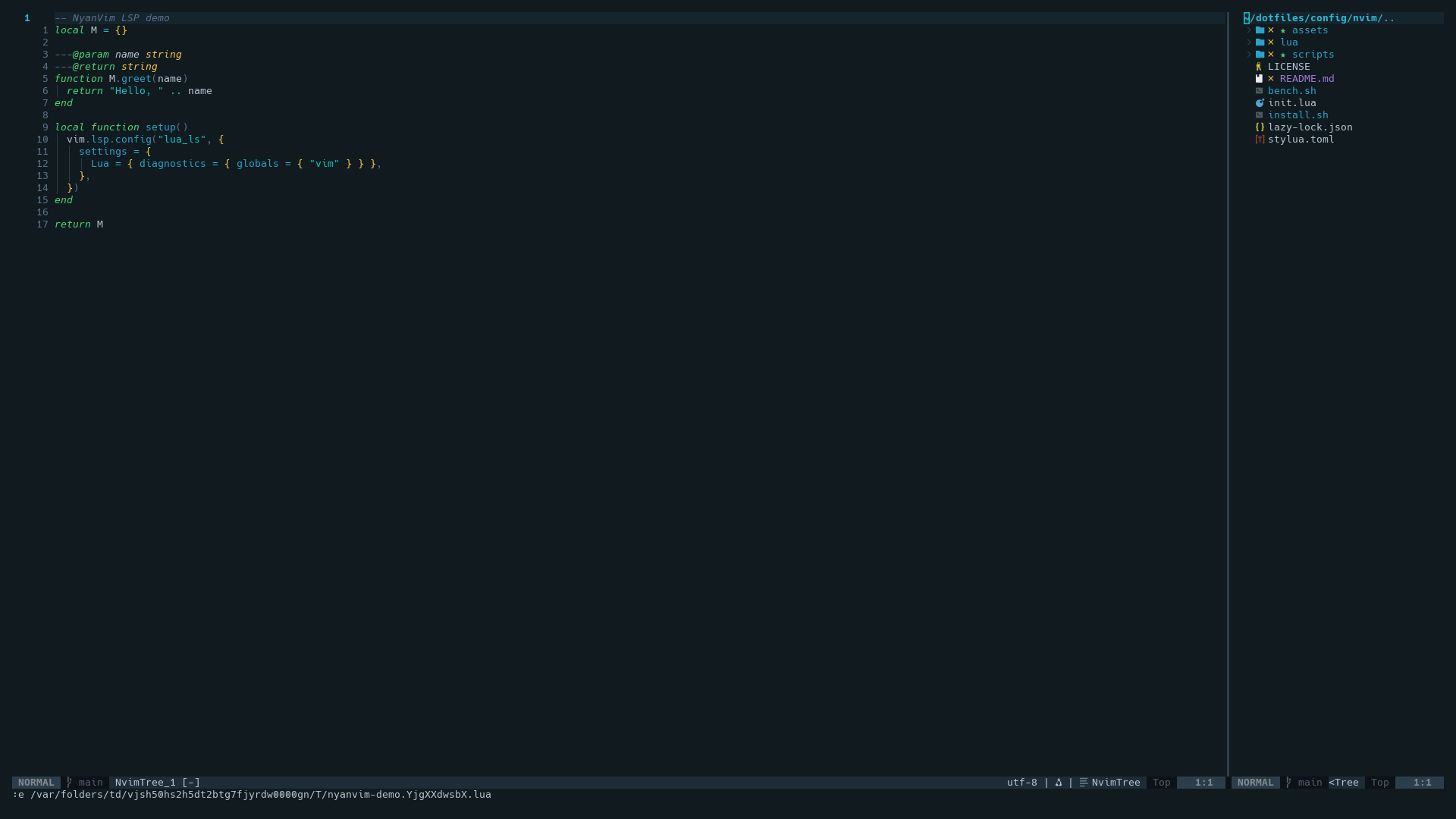
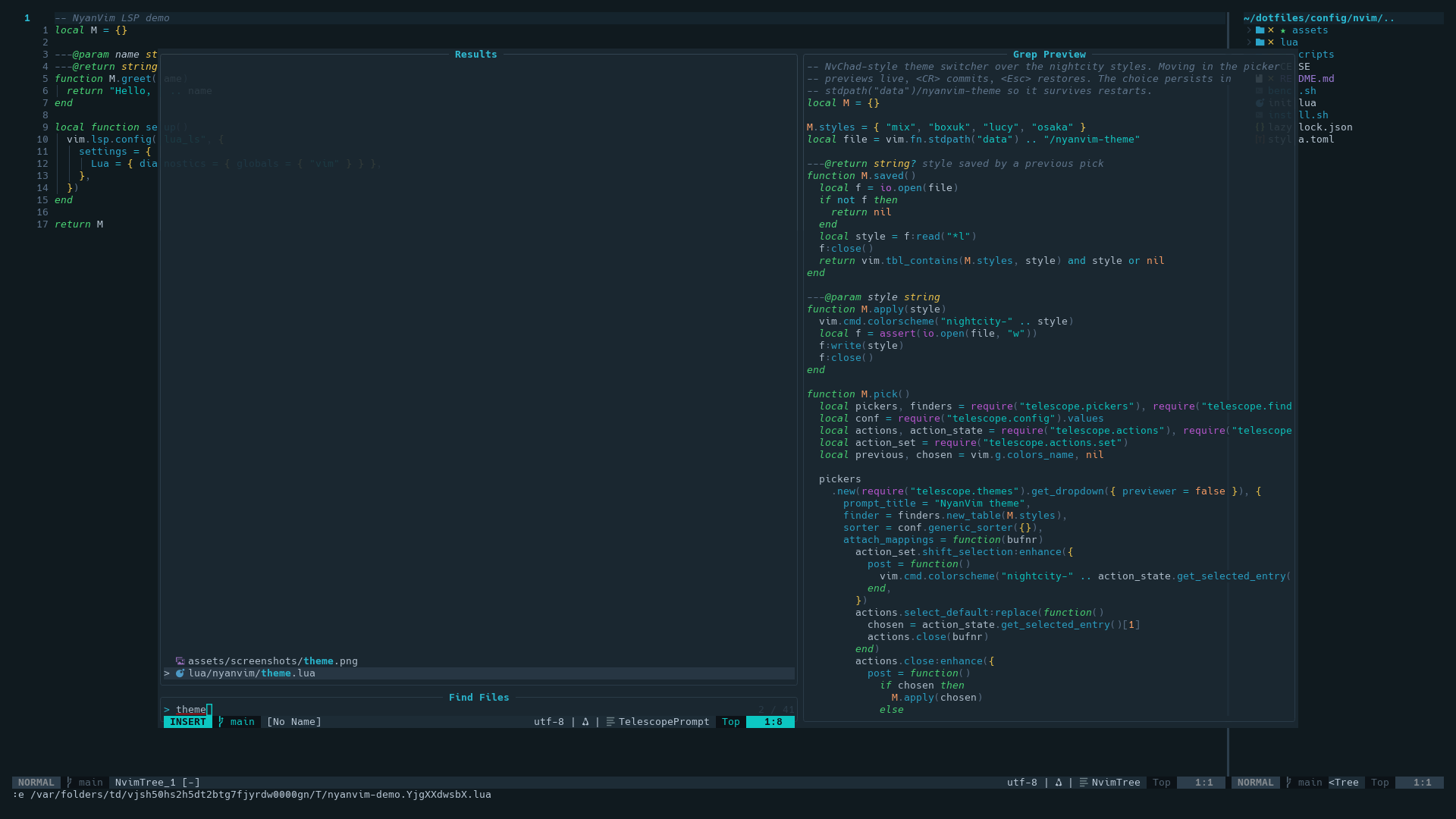
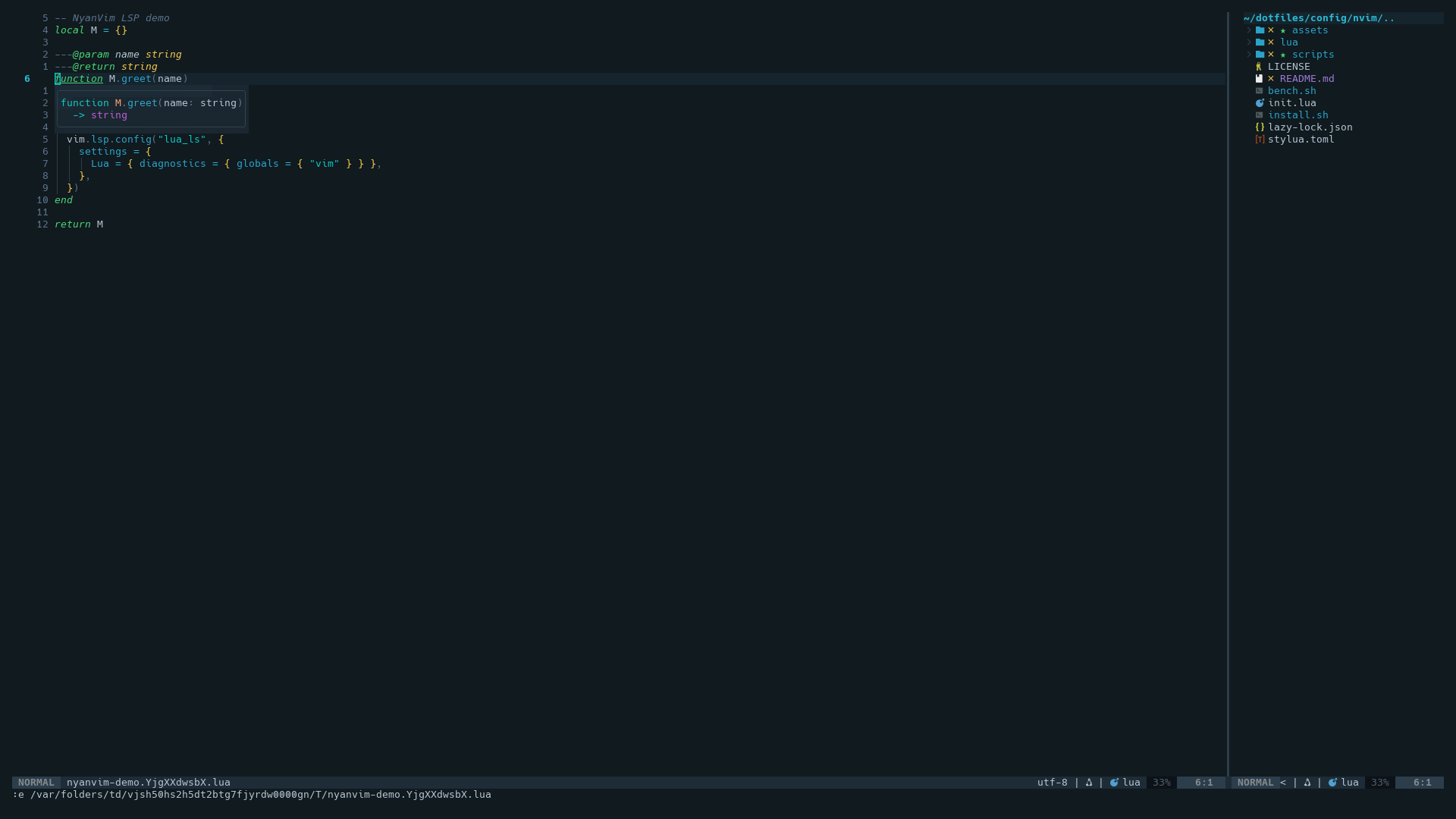
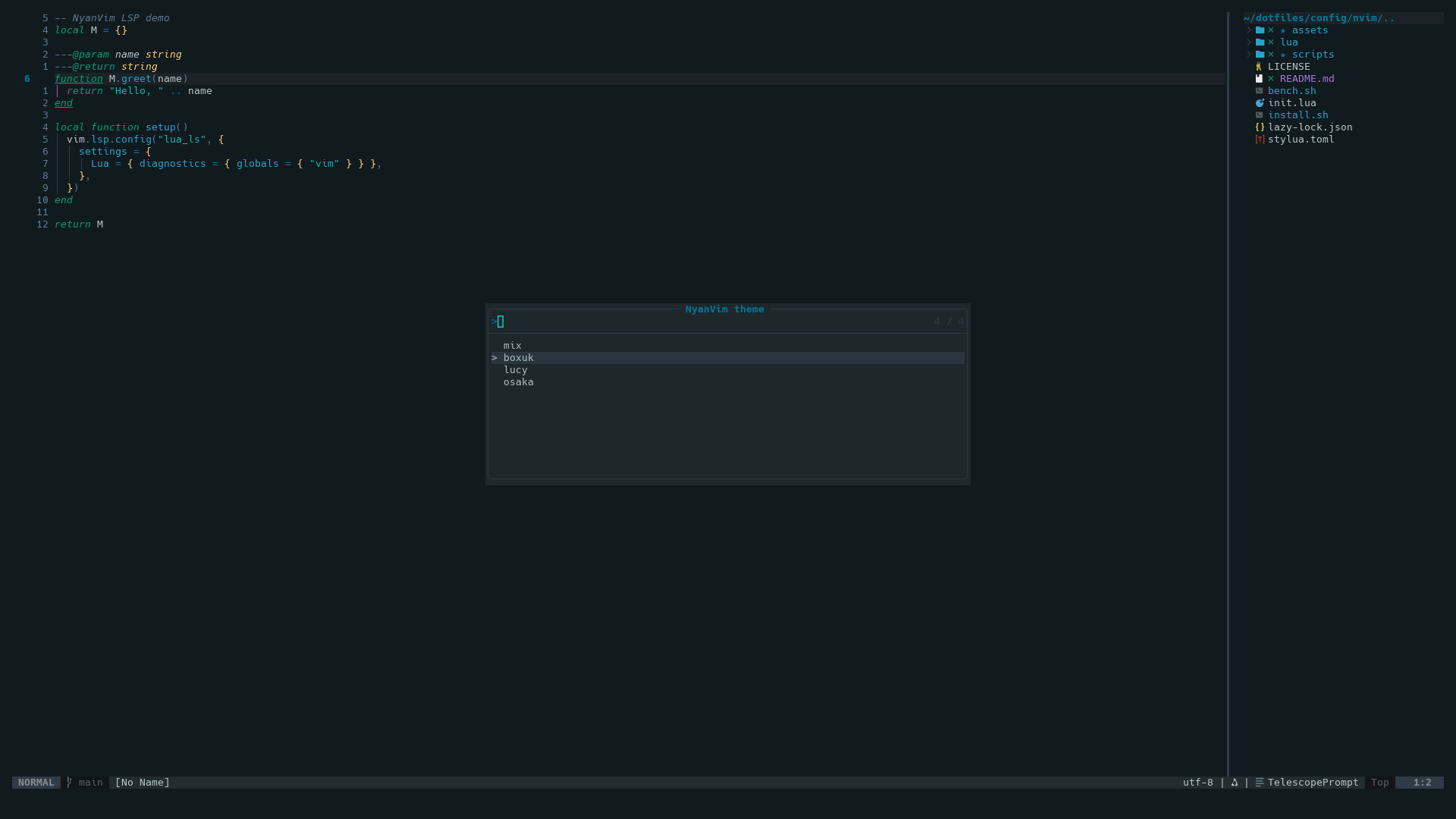
Your first keys
The leader is Space. Press it and pause: a menu lists every group. These get you through a normal day.
| Space f f | find a file by name |
| Space f g | search text in the whole project |
| Ctrl b | show or hide the file tree |
| Shift h Shift l | previous, next open file |
| g d K | go to definition, show docs |
| Space c a | code action: fix, import, refactor |
| Space c f | format the file |
| Space g g | LazyGit |
| Ctrl \ | floating terminal |
| Space a c | Claude Code in a split |
| Space n | NyanVim menu: update, health, your config, theme |
Forgot one? Space f k searches every keymap by what it does.
What's inside
- lazy.nvim loads 41 plugins on demand; 6 at startup.
- LSP through mason and the Neovim 0.11
vim.lsp.configAPI. Lua, Python, TypeScript, Rust, JSON, HTML, CSS out of the box; anything you install in:Masonis enabled automatically. - Completion with nvim-cmp, LuaSnip and friendly-snippets.
- Treesitter highlighting and indent; 19 parsers install themselves on first launch.
- Telescope with fzf, project switcher and yank history.
- Git: gitsigns, diffview, LazyGit.
- AI: Claude Code and opencode in a split, or a local Ollama model, all optional.
- Formatting on save with conform: stylua, black, prettier, LSP fallback.
- Night City Mix theme, shared with tmux, Ghostty, kitty and WezTerm through night-city-palettes. Four styles, switch live.
- Your overrides live in
lua/user/, git-ignored, so:NyanUpdatenever overwrites them. - Reproducible: plugin versions are pinned; install and update restore exactly what was tested.
- Uninstall in one command, and your previous config comes back.